
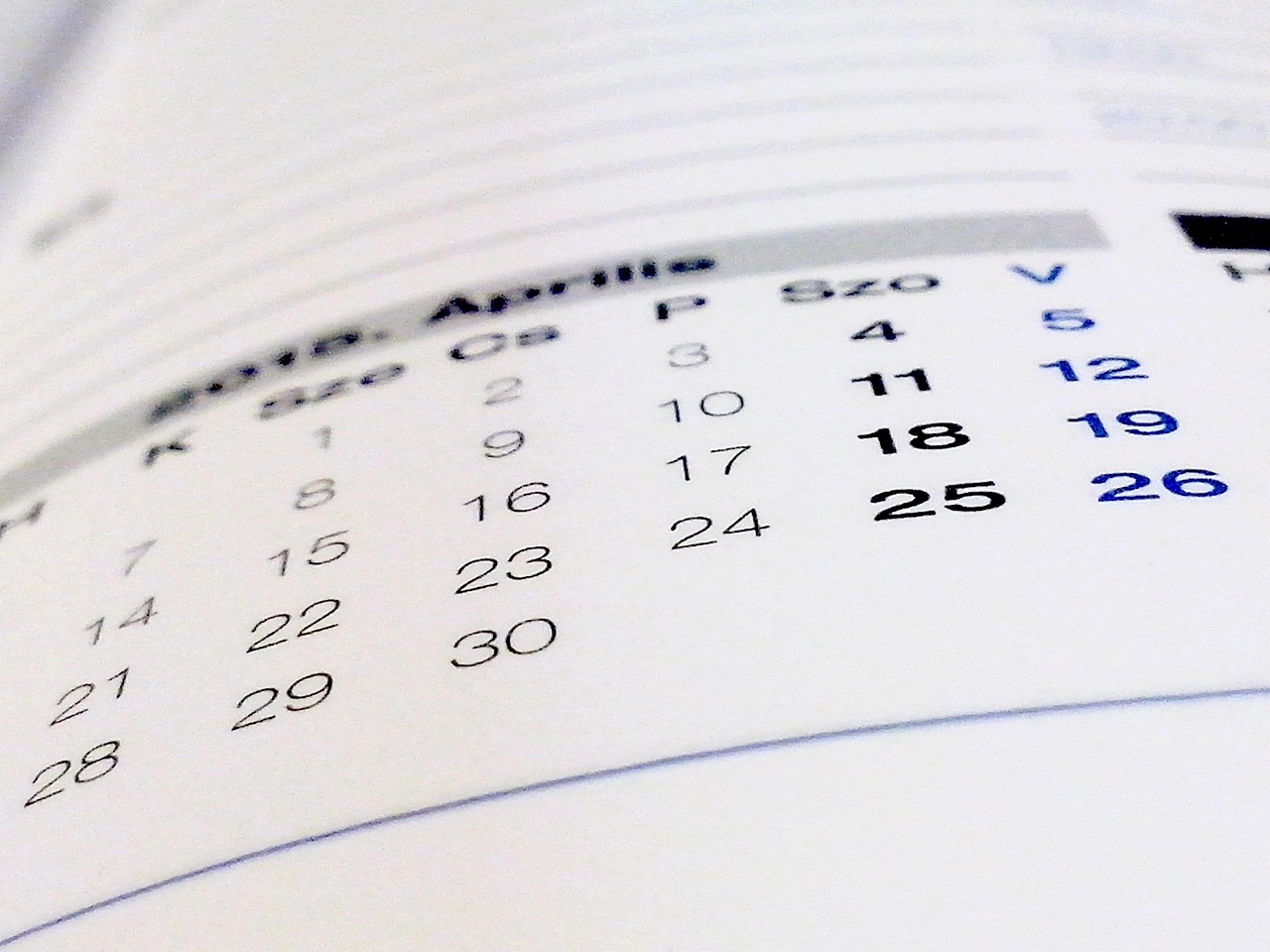
Fall is here, and whether it’s the return to school or a new publishing quarter, getting organized is the first step to a successful year—but if you’re like me, making an effective and up-to-date schedule is its own Herculean task, especially if sometimes your own brain has trouble processing linear time. Therefore, we’ll end at the beginning, but start at the end.
Imagining what you want your schedule to be is a great place to start. If your ideal schedule is an elaborate bulletin board, then invest in that bulletin board. Start filling in that day planner you always imagined the adult version of you had. You can also just use your phone.
Modern technology offers a lot of tools to stay organized. Some of it is largely automated. Businesses, including publishing presses, have their own calendar applications like Asana to make detailed schedules, but Google Calendar is a decent alternative which will automatically insert your Zoom meetings or doctors appointments into the schedule. Be warned this can get pretty chaotic pretty fast.
My schedule, for example, includes not just my schedule for Ooligan, but also my schedule for current classes, my past past classes (I really need to update that), my various extracurricular activities, social appointments, the occasional doctors appointment, and of course my work schedule—plus the schedules of all my co-workers too!
If this is sounding familiar, then hopefully you’ve also discovered the setting that can instantly divide your calendar by email or category. So if my calendar starts looking like an advanced game of Tetris, I can just uncheck my work email, and things look a lot more manageable. Even better, it color codes everything. Which not only helps better break up the information, it has been scientifically proven to help in memory retention. While plenty of calendar apps will automatically assign colors to events and tasks, it’s best if you assign your own categories with their own color.
However, I’ve found having everything on your phone only makes it easier to forget things. You should definitely use your phone’s calendar but I recommend only relying on it for one aspect of your schedule. For example, social activities on my phone and school stuff on a separate planner.
It’s tempting to keep everything in one place, but I’ve found it’s not nearly as effective as I’d hoped. My tablet is fully capable of working as a whole bookshelf of different journals and has a planner format too, but rotating between my notebook and my planner on the same device is more trouble than its worth.
I’ve been trying to take this one step further and make my whole workspace one big planner because, in addition to color coding helping in memory attention, space does the same thing. You’ve likely encountered this if you’ve ever found you work better in a library or in a classroom than you do at home. It’s not just a quiet space or less distractions, it’s also the mental associations you have with the location.
Humans intrinsically associate memories with locations and even movements. So while using the post-it method to keep track of upcoming events, I’ve started not only color coding them, but also strategically placing them around my desk. My Ooligan responsibilities go on the right side of my desk, the class assignments go on the left side, then I let things elaborate from there.
But before you do any of this, it’s important to acknowledge that building a good schedule is going to be part of any job you have. Especially if your business has products to produce and deliver. It’s going to be the biggest decider of your future success. So don’t relegate it to a side task. The first thing you should put in your new fancy schedule is time to make your schedule.
Sources:
Dzulkifli, Mariam Adawiah, and Muhammad Faiz Mustafar. “The Influence of Colour on Memory Performance: A Review.” The Malaysian Journal of Medical Sciences : MJMS, U.S. National Library of Medicine, Mar. 2013, pmc.ncbi.nlm.nih.gov/articles/PMC3743993/.
Asana: https://asana.com/